Turn scans into results. Learn proven QR code use cases, placement & design best practices, and how to track performance with Dynamic QR and UTM tagging.
Turn scans into sign‑ups, sales, and repeat visits. This guide shows practical ways to use QR codes in campaigns, how to place and design them for maximum scans, and how to measure what works.
High‑impact use cases that work
- Posters & flyers: Drive traffic to a landing page, event sign‑ups, or time‑limited offers.
- Packaging & inserts: Link to how‑to videos, care guides, recipes, or product registration.
- Receipts & invoices: Encourage reviews, referrals, or loyalty programme enrolment.
- Storefront & signage: “Scan to see today’s menu”, “Book a table”, or “Join WiFi”.
- Direct mail: Bridge offline to online with personalised dynamic links.
- Event badges: Lead capture, speaker bios, agenda, or instant feedback forms.
- OOH / transit: Timetables, wayfinding, or “Save to phone” for later.
Design for more scans
- Clear CTA: Add a short instruction near the code (e.g., “Scan to get 10% off”).
- Size for distance: Aim for 10× scanning distance rule of thumb (e.g., 30 mm for arm’s‑length; larger for posters).
- High contrast + quiet zone: Dark code, light background, with clear padding.
- Brand, but don’t break it: Custom colours and frames are great—avoid busy backgrounds behind the code.
- Test on real phones: Different cameras + lighting change results. Validate before printing.
Get smarter with Dynamic QR
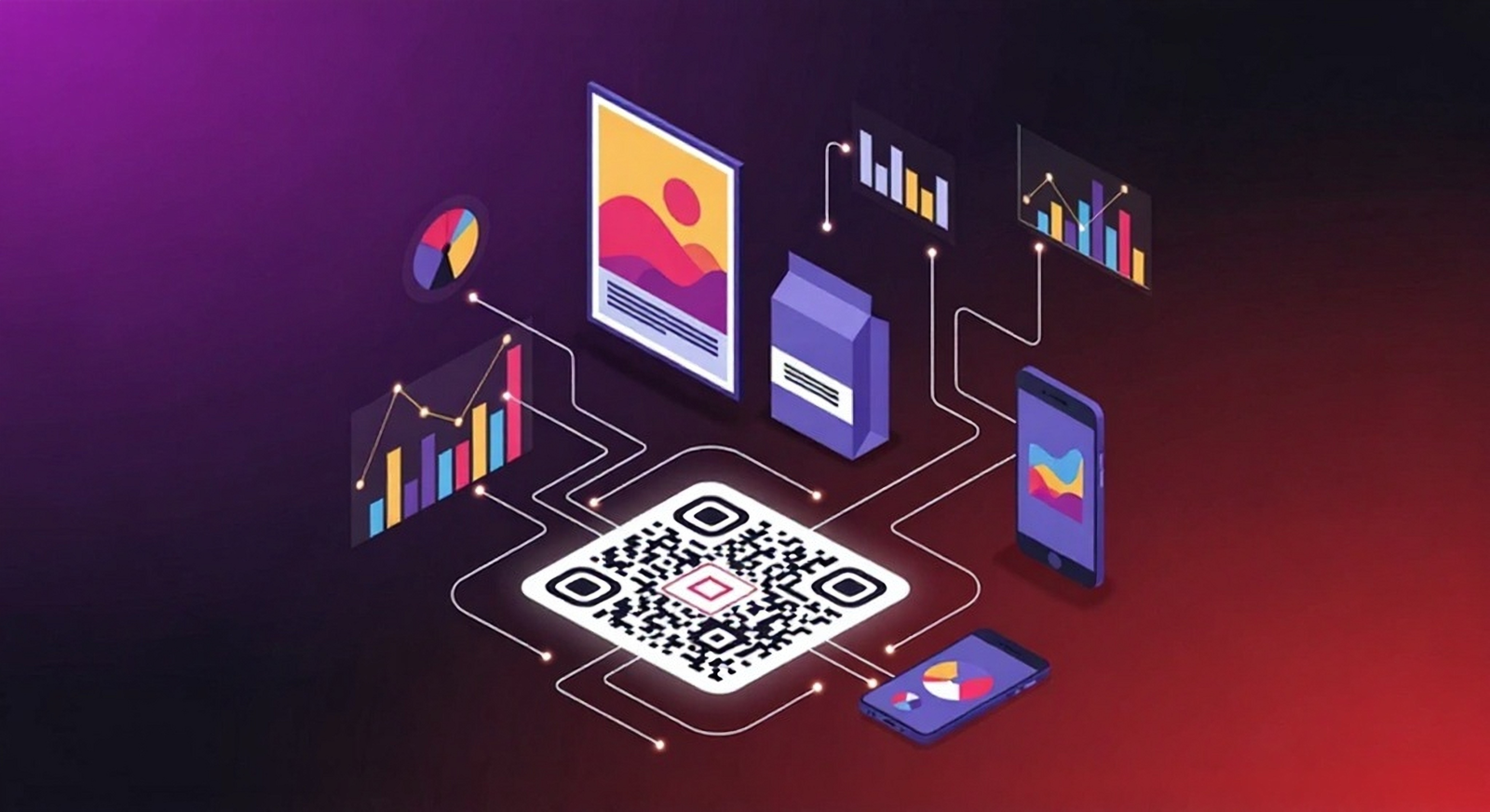
Dynamic QR codes resolve through a short link you control—so you can change the destination without reprinting and capture analytics.
- Update links after printing (fix typos, swap offers, or change forms).
- Schedule start/end dates for seasonal campaigns.
- Target by device/country (send iOS to App Store, Android to Google Play, UK to a local page).
- Password‑protect sensitive destinations (e.g., private price lists).
- Track scans over time to see what placements and creatives perform best.
Measure what matters
- Use UTM parameters to attribute scans to specific creatives, locations, or dates.
- Compare placements: flyer vs. poster vs. packaging insert.
- Track scan quality: look at post‑scan conversion, not just scan counts.
- A/B creative over time: rotate designs across weeks to isolate winners.
Campaign ideas you can launch this week
| Channel | Destination | QR Type | Tip |
|---|---|---|---|
| Poster | Time‑limited offer page | Dynamic | Schedule end date; add UTM source=poster |
| Packaging | How‑to video | URL | Keep code at least 25–35 mm; add “Watch how it works” |
| Receipt | Review link | Dynamic | Target iOS/Android to native review apps |
| Storefront | Menu or booking | URL | High contrast; display at eye level |
| Event badge | Lead capture form | Dynamic | Use short vanity domain for trust |
A simple workflow to scale QR campaigns
- Create your destination page (or dynamic short link).
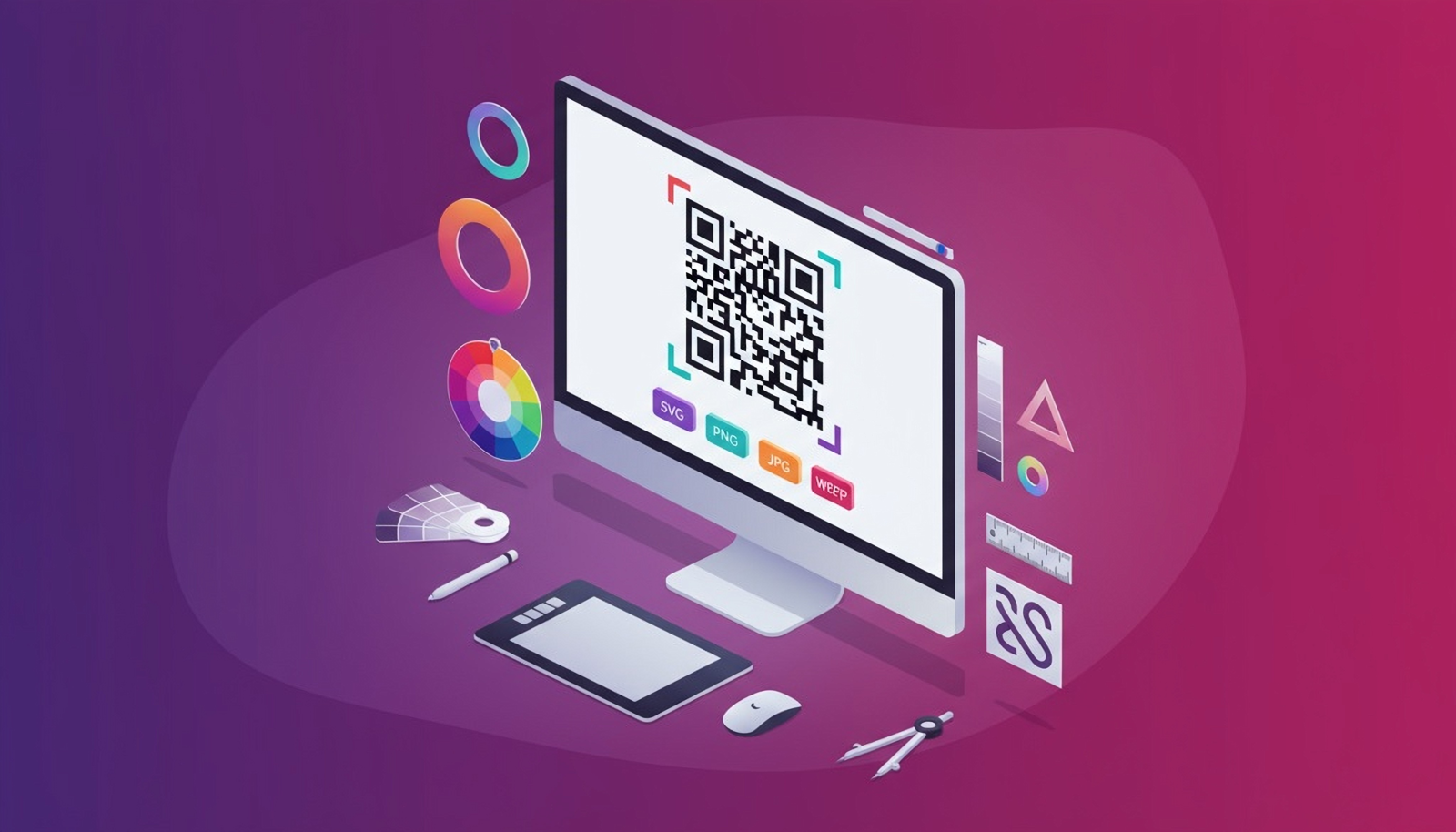
- Generate the QR in QRUpp; customise style and download SVG (print) + WEBP (web).
- Add a clear CTA and minimum size to your creative.
- Publish and test on real devices.
- Monitor scans and conversions; iterate weekly.
Start your next QR campaign
Create a URL QR code in seconds, or switch to Dynamic to track, schedule, and target—no reprints required.