Learn when to use SVG, PNG, JPG, or WEBP for your QR codes. Our guide explains file formats, printing quality, and how to choose the best option for every use case.
Choosing the right file format keeps your QR codes crisp, scannable, and lightweight. Here’s a simple guide to when you should export SVG, PNG, JPG, or WEBP - and why it matters.
Vector vs raster (why it matters)
Vector graphics (e.g., SVG) are drawn with math, so they scale to any size without losing sharpness - perfect for print. Raster images (e.g., PNG, JPG, WEBP) are made of pixels; scaling up can blur edges if the resolution is too low.
Format comparison
| Format | Type | Best for | Pros | Watch‑outs |
|---|---|---|---|---|
| SVG | Vector | High‑quality print at any size; pro design workflows | Infinitely scalable, razor‑sharp edges, tiny file sizes for line art | Some old tools may rasterise on import—export as PDF if your printer requests it |
| PNG | Raster | General purpose; web and documents; transparency | Lossless quality, transparent backgrounds, predictable rendering | Pick adequate pixel size for print (see sizing tips below) |
| JPG | Raster | Photos + QR in the same image; emails where PNG is large | Small files at reasonable quality | Compression can soften edges—avoid heavy compression for QR codes |
| WEBP | Raster | Modern websites and apps | Great quality‑to‑size ratio, broad modern support | Legacy tools may not support it—keep a PNG fallback if needed |
Recommended formats by use case
- Print (flyers, packaging, signage): Use SVG. If your print workflow prefers PDFs, place the SVG into a print‑ready PDF or export to vector PDF.
- Web (landing pages, blogs, CMS): Use WEBP where supported; else PNG. Keep a clear quiet zone and test at the size you’ll display.
- Documents (PowerPoint, Word, Google Docs): Use PNG at sufficient resolution.
- Email/newsletters: Use JPG or light PNG, depending on your ESP’s optimisation.
Pixel sizing & print tips
- Minimum print size: Aim for 25–35 mm at arm’s length. Go larger for scanning at a distance.
- Raster for print: If you must use PNG/JPG for print, export at 300 DPI at the physical size you’ll print (e.g., 35 mm ≈ 413 px).
- Quiet zone: Keep padding around the code so scanners can isolate it from nearby graphics.
- Contrast: Dark code on a light background is most reliable.
How QRUpp makes it simple
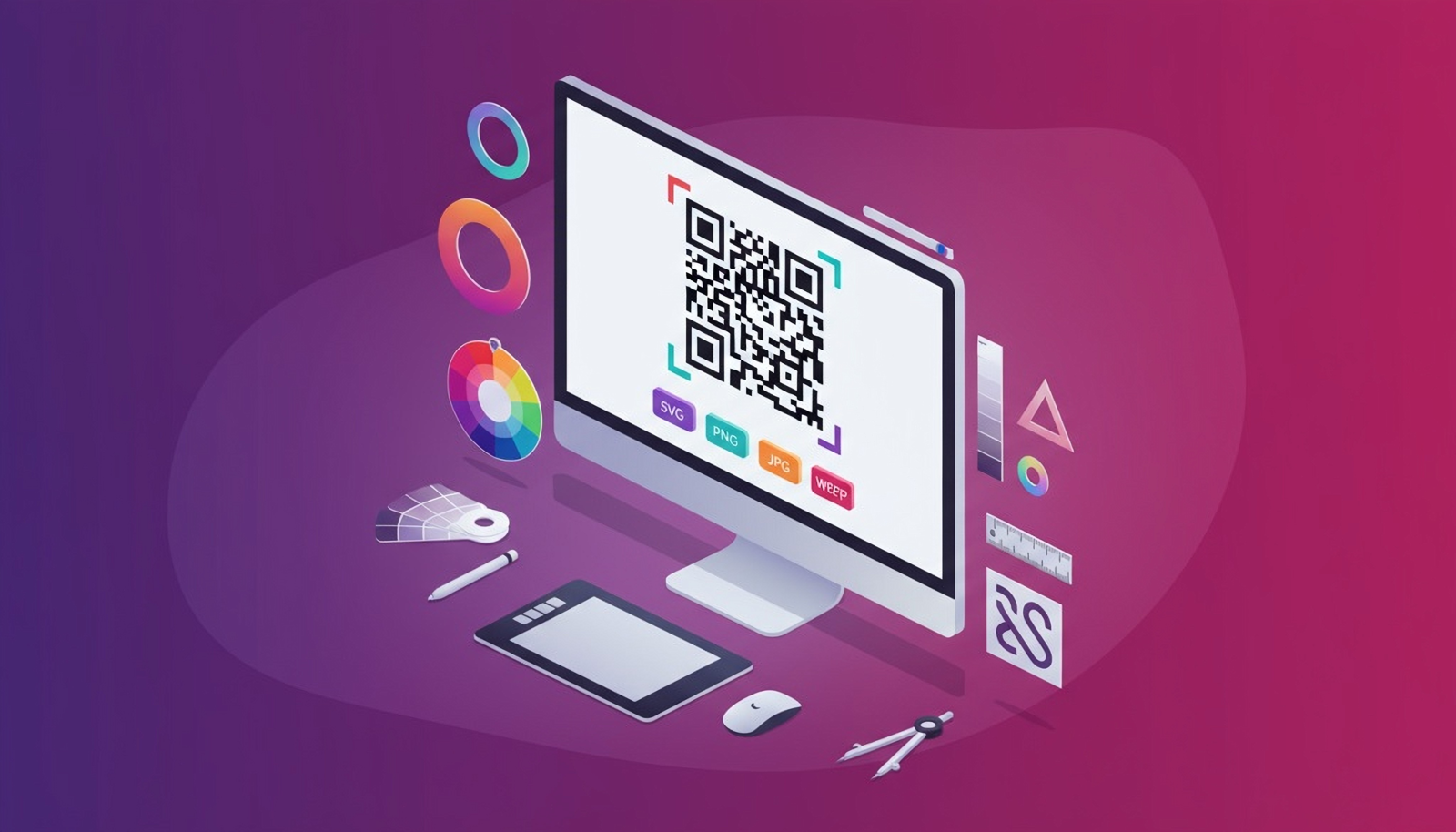
- Download in SVG, PNG, JPG, WEBP with a click.
- Real‑time preview as you customise colours, frames, and logos.
- AI QR available for branded visuals that remain scannable.
Summary
- Use SVG for anything printed or scaled.
- Use WEBP for modern web, otherwise PNG.
- Use JPG only when you need to keep file size down or combine with photos—avoid heavy compression.