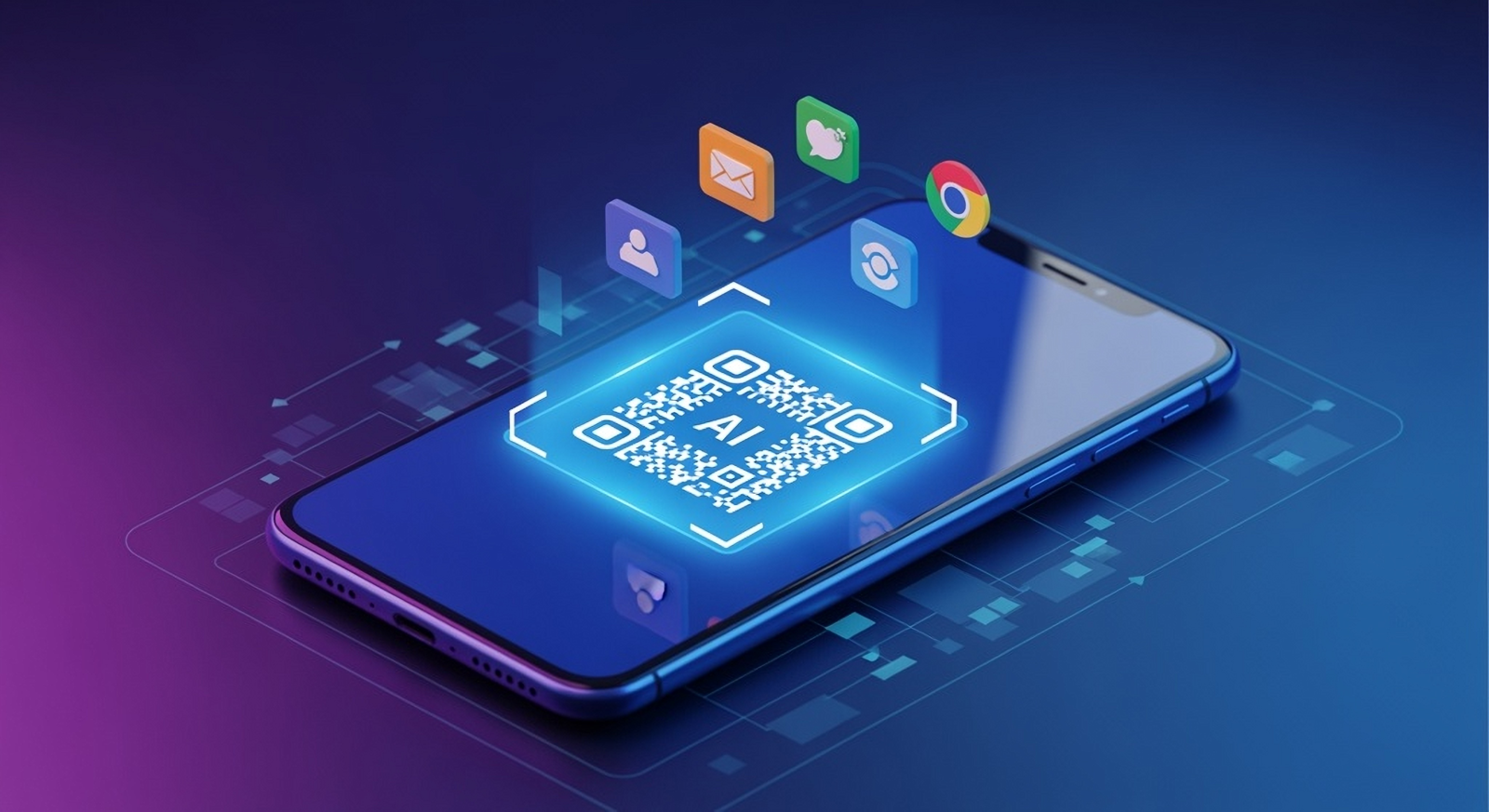
QR Code Generator guide: understand Static, Dynamic and AI QR codes. Learn how each works, when to use them, and how to get reliable scans in print and on screen.
QR codes are simple on the surface - scan and open - but there’s a lot of useful nuance behind Static, Dynamic, and AI-enhanced codes. This guide explains how each works, when to use them, and how to get reliable results in print and on screen.
Key takeaways
- Static QR codes encode a fixed destination. Once printed, the link can’t be changed.
- Dynamic QR codes point to a short link you can update later and track with analytics.
- AI QR codes blend functional QR data with AI-generated imagery for standout, scannable designs.
What is a QR code?
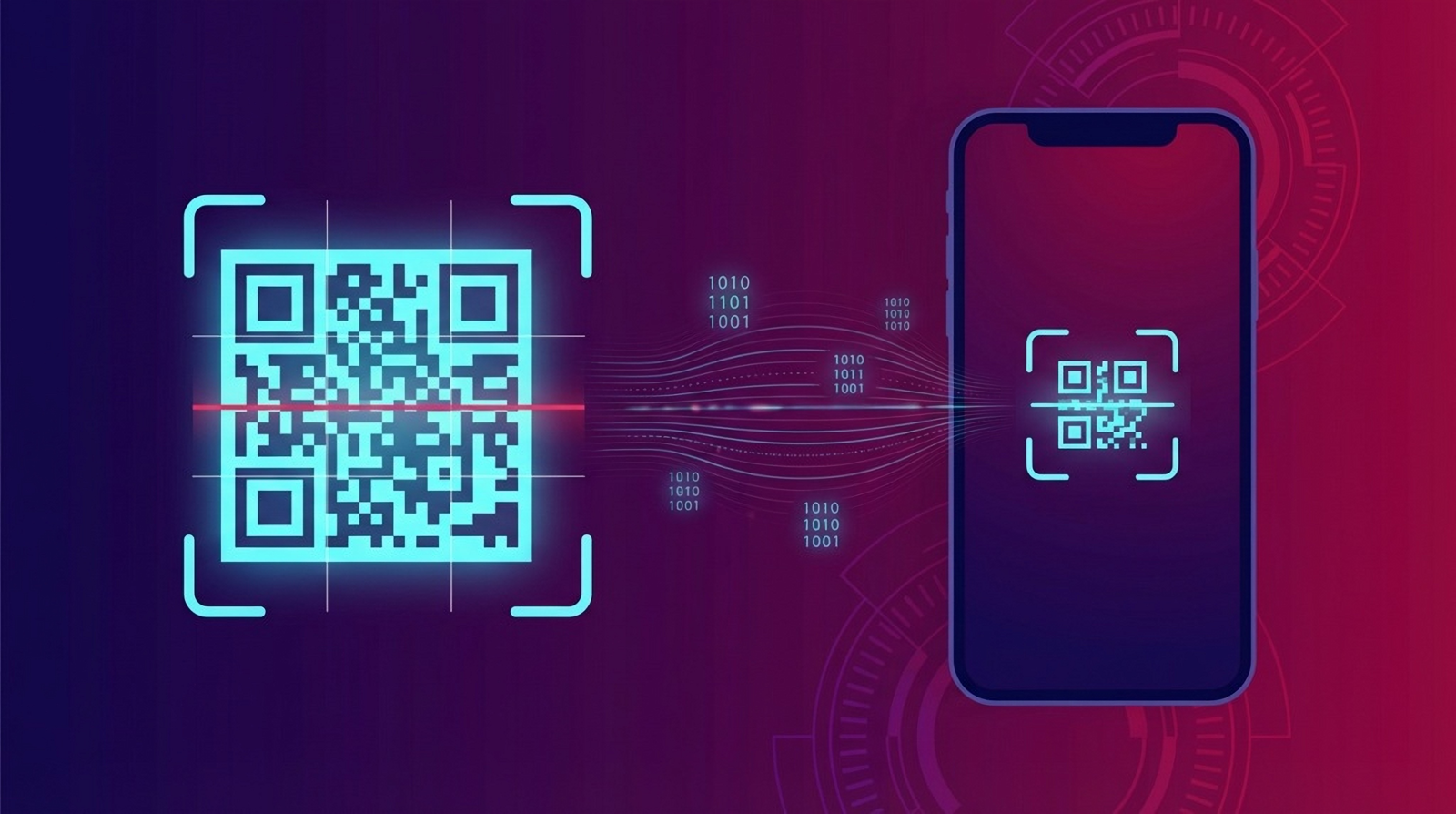
A QR (Quick Response) code is a two-dimensional barcode that stores data - most commonly a URL. When a camera or scanning app detects the code, it decodes the data instantly and opens the action: a website, app, email, map, payment, and more.
Static vs Dynamic: what’s the difference?
Static QR codes
Great for simple, permanent links (menus, WiFi, PDFs). They’re fast to make and free to download.
- Encodes the final URL directly.
- No analytics or editing after print.
- Best for evergreen content that won’t change.
Dynamic QR codes
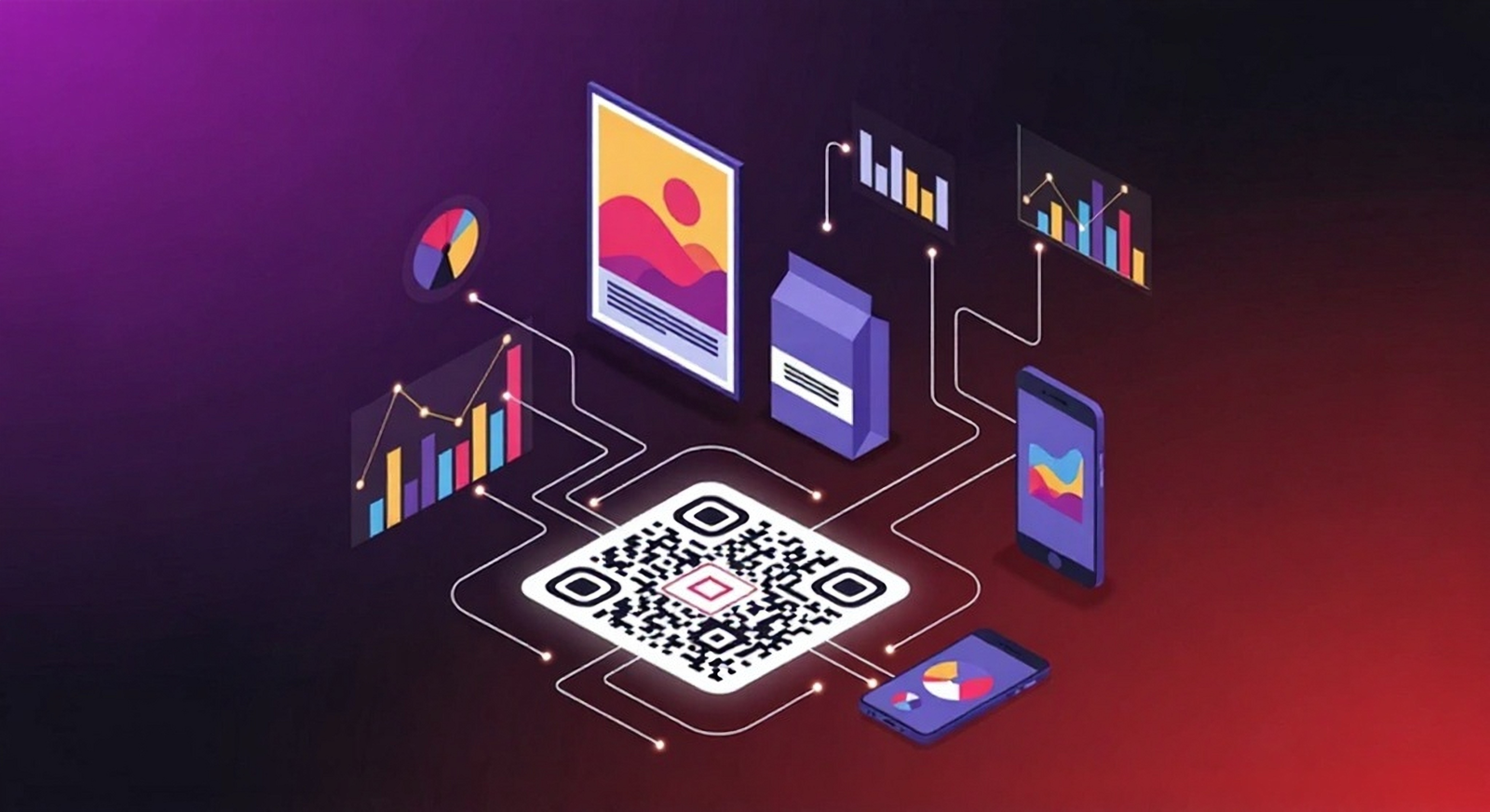
Ideal for campaigns you may want to change or track. The code points to a short link you control.
- Edit the destination without reprinting.
- Track scans (time, device, rough location).
- Advanced controls: scheduling, device/country targeting, password protection, UTM parameters.
* ACCOUNT REQUIRED * Dynamic QR codes use short links and analytics features available to signed-in users.
Learn about URL (Static) QR codes Learn about Dynamic QR codes
AI QR codes: art meets utility
AI QR codes combine the functional QR matrix with a generated image so your code looks like your concept—while staying scannable. They’re perfect for campaigns, packaging, and brand moments where attention matters.
- Unique, on-brand visuals powered by AI.
- Engineered for scan reliability and contrast.
- Supports URL and Dynamic destinations.
How scanning works (and why error-correction matters)
QR codes include built-in error-correction (L, M, Q, H). Higher levels allow more damage or visual overlays (like a small logo) while remaining scannable. QRUpp chooses sensible defaults for reliable reading on typical smartphones.
- Contrast: dark code on a light background works best.
- Quiet zone: leave clear space around the code.
- Testing: always test at the smallest size you plan to use.
When to use each type
- Static: permanent links (WiFi, menus, manuals, signs) that won’t change.
- Dynamic: campaigns and media where you want analytics or may change the destination.
- AI: high-impact creative where brand look and attention are the priority.
Print sizing & formats
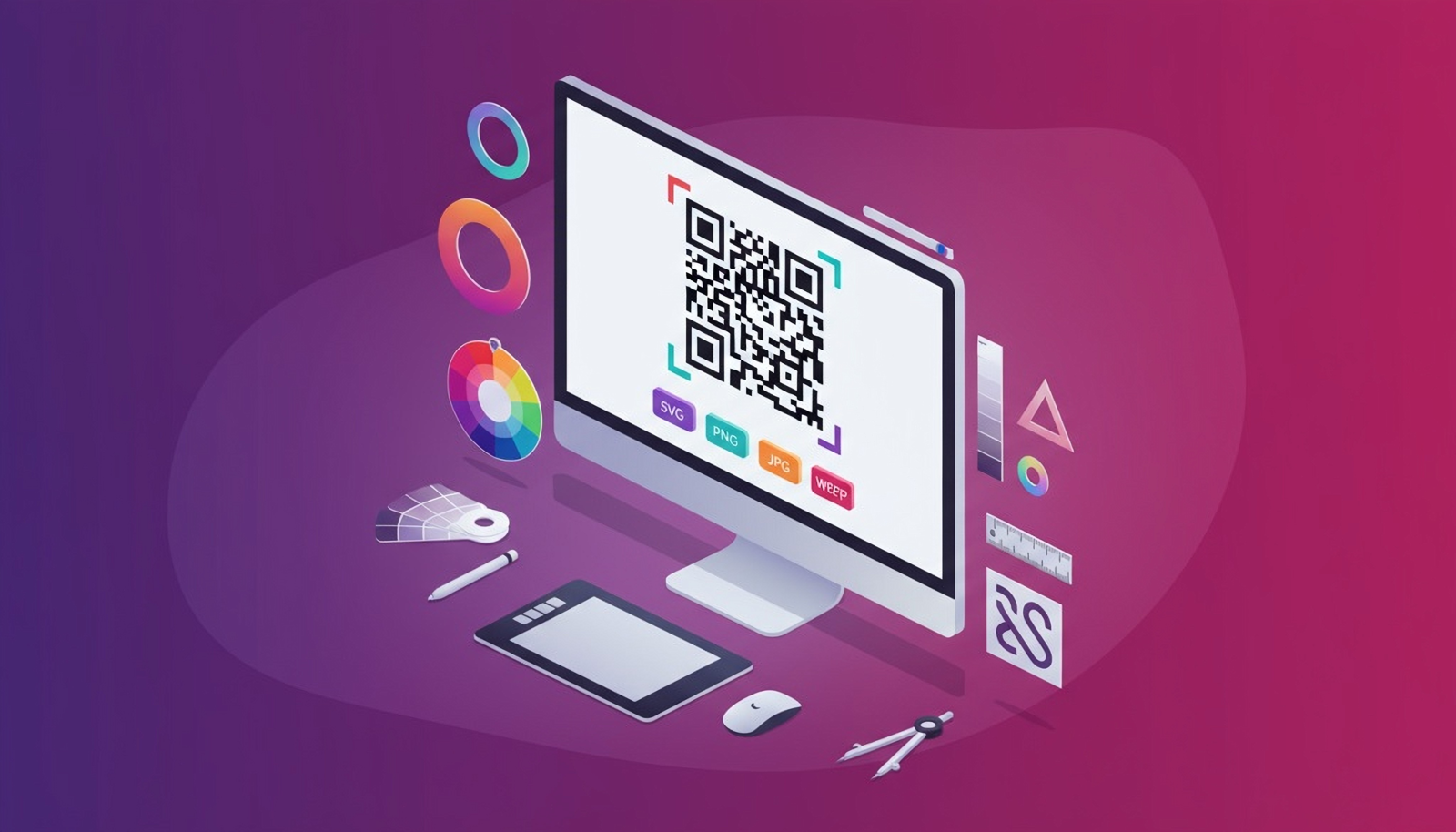
For most use cases, a minimum of 25–35 mm ensures reliable scans at arm’s length. Increase size for longer distances. Download in SVG for print, and WEBP/PNG for web.
Create your first code
Pick your type, customise the style, and download a print-ready file.
Open the QR generator * ACCOUNT REQUIRED * for Dynamic & AI.