A technical but accessible explanation of how QR codes work - from camera detection and finder patterns to error correction and data decoding.
What Actually Happens When You Scan a QR Code?
QR codes look simple on the surface, but there is a surprisingly robust technical process happening between your camera and the final decoded result. Understanding how this works helps explain why QR codes are so reliable - even when printed small, damaged, or styled.
Step 1 - Detecting the QR Code
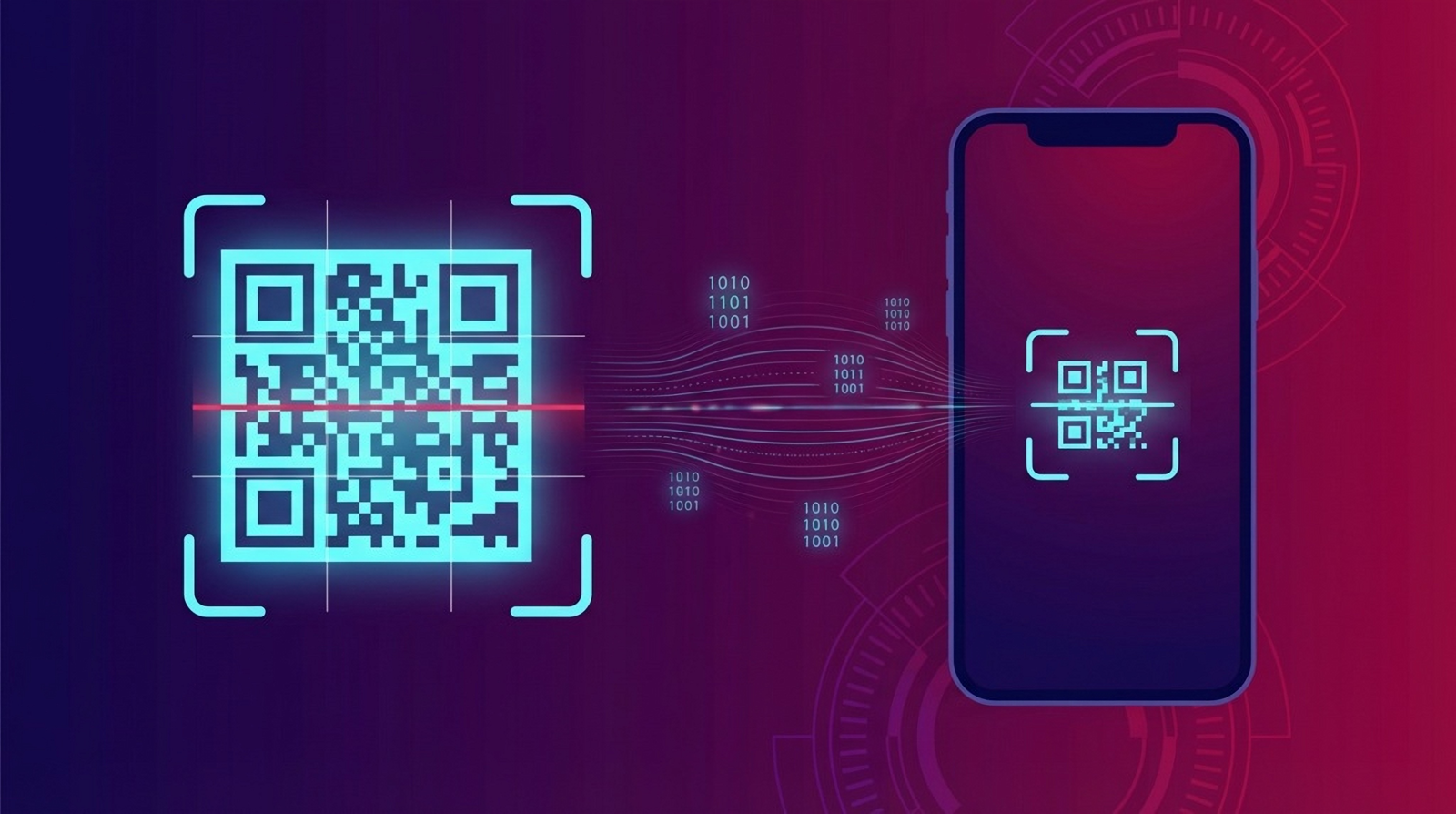
When you point a camera at a QR code, the scanning software first looks for three large square markers in the corners of the code. These are called finder patterns.
The finder patterns allow the scanner to:
- Identify that the image contains a QR code
- Determine the orientation (even if the code is rotated)
- Calculate the size and perspective of the code
A smaller alignment pattern may also be present to help correct distortion, especially for larger QR codes.
Step 2 - Mapping the Grid
Once the scanner knows where the QR code is, it overlays a grid across the image. Each small square in the grid is called a module.
Every module represents a binary value:
- Dark module = 1
- Light module = 0
This grid-based structure is what makes QR codes far more data-dense than traditional barcodes.
Step 3 - Reading Timing and Format Information
Special rows and columns of alternating dark and light modules act as timing patterns. These help the scanner stay aligned as it reads the data.
The code also contains format information that tells the scanner:
- Which error correction level is used
- Which data masking pattern has been applied
Step 4 - Error Correction and Recovery
QR codes use Reed-Solomon error correction, which allows the scanner to recover missing or damaged data.
Depending on the error correction level, a QR code can still scan correctly even if up to:
- 7% (Low)
- 15% (Medium)
- 25% (Quartile)
- 30% (High)
This is why QR codes often remain scannable even when partially obscured, scratched, or overlaid with a logo.
Step 5 - Decoding the Data
Once the binary data has been reconstructed, it is decoded according to the QR specification. This can include:
- Plain text
- URLs
- Contact details (vCard)
- WiFi credentials
- Payment or app links
The scanner then hands this decoded data to the operating system, which decides what action to take - open a browser, add a contact, connect to WiFi, or launch an app.
Why QR Codes Are So Reliable
The combination of finder patterns, grid-based encoding, timing signals, and strong error correction is what makes QR codes exceptionally robust.
This design is also what allows modern QR platforms like QRUpp to safely apply colours, logos, frames, and even AI-generated imagery while maintaining reliable scanning.
Putting It All Together
Every QR scan is a carefully orchestrated process of detection, alignment, error correction, and decoding - all happening in a fraction of a second.
Understanding this process helps explain why QR codes have become a trusted bridge between the physical and digital worlds.