Generate phone call QR codes that let customers call you in one tap. Pre-fill your number, customise the design, and print for packaging, shop windows, vehicles, posters, and event signage.
Create Phone QR codes that let customers call you in a single tap. Pre-fill your number, customise the design, and use on shopfronts, vehicles, flyers, packaging, and event signage.
What is a Phone QR Code?
A Phone QR code opens the user’s dialler with your number pre-filled. Instead of typing digits from a poster or business card, people scan, tap, and call — which greatly reduces friction and mis-dialed numbers.
- One-tap calling from printed or on-screen media
- No typing errors from long or complex numbers
- Works with the device’s default phone app
How Phone QR Codes work
QRUpp encodes your phone number using the standard tel: URI format.
When someone scans the code:
- The QR reader detects the
tel:link. - The device opens its default phone or dialler app.
- The number is pre-filled, ready for the user to tap “Call”.
Create a Phone QR Code in QRUpp
- Either click Generate QR codes on our homepage, or (if you have an account) log in, click QR codes in the left-hand menu, then Create QR.
- Select Phone at the top of the page.
- Enter a meaningful name for your QR code.
- Enter the phone number to dial (include country code if you receive international calls).
- Choose the style, colours, frame, foreground/background images, and optional logo.
- The preview updates in real time as you adjust settings.
- Click Generate to save your QR code.
- Download as SVG, PNG, JPG, or WEBP, or print to hard copy or PDF.
No account required for Phone QR codes.
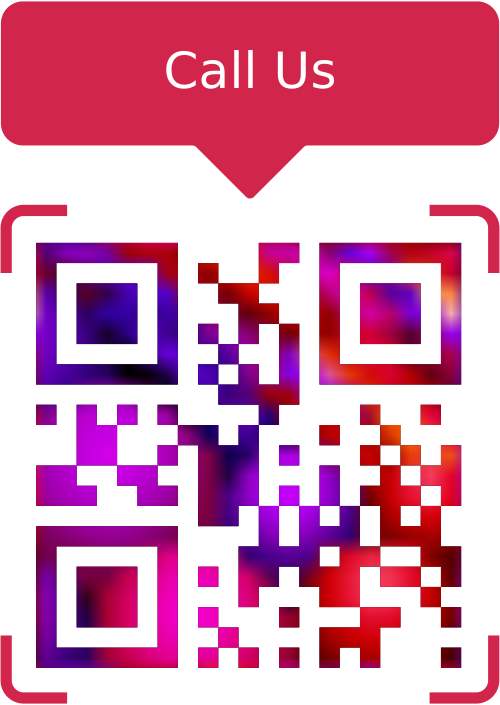
Example Output
Best uses
- Shop windows & signage: let passers-by call instantly.
- Vehicles & outdoor ads: convert drive-by attention into calls.
- Trades & services: stickers on vans, equipment, invoices and quotes.
- Events & exhibitions: quick contact for enquiries and follow-ups.
- Support lines: packaging, manuals, and receipts for easy access.
Tips for reliable calling
- Include the international prefix (e.g.
+44…) if relevant. - Use a number that’s actively monitored during the hours you publish nearby.
- Test on both iOS and Android devices.
- Print at 25–35 mm minimum and place where users can safely scan (eye-level, not too high/low).
Unlimited QR code scans - always
Phone QR Code: FAQs
Yes. Most modern smartphones recognise tel: links and open the
dialler app automatically so the user can start the call in one tap.
Some dialler apps support pauses or extensions using commas or semicolons in the number string, but behaviour varies by device and platform. If you rely on this, always test on the main devices your audience uses.
Standard tel: links don’t provide scan analytics. For attribution,
you can use a Dynamic URL QR code that
points to a tracked landing page or to a dedicated call-tracking number instead.
Use SVG for crisp print at any size. Use PNG or JPG for general use, and WEBP for fast, modern performance on the web.
Get started
Make calling you effortless — generate a Phone QR code that customers can dial in a single tap.
Not sure which QR code you need? Read our complete guide to QR codes for business to understand how they work and when to use each type.