Create FaceTime QR codes that start calls instantly on iPhone, iPad, or Mac. Share your number or Apple ID for quick video or audio calls with QRUpp.
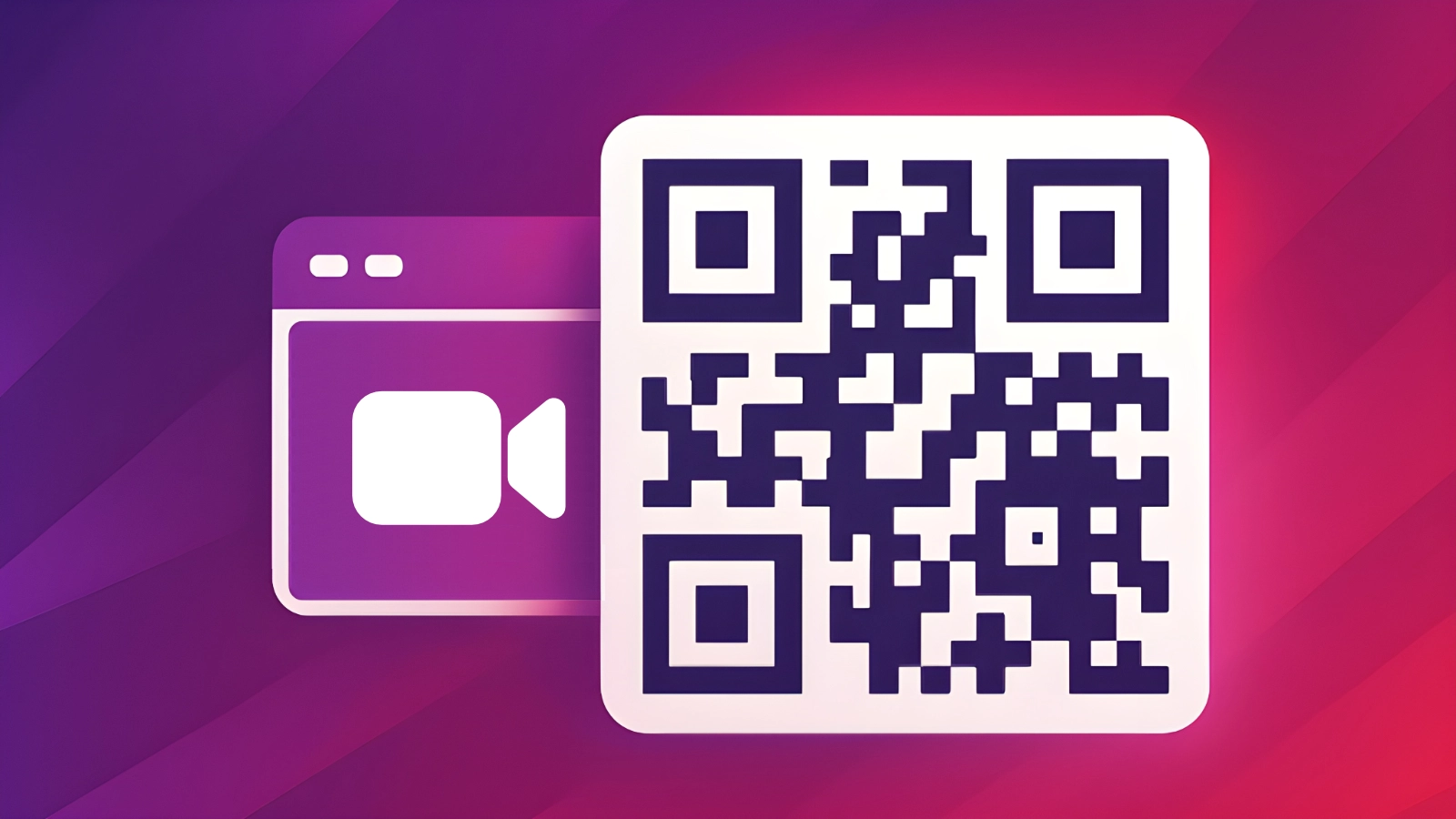
Create FaceTime QR codes that start a FaceTime call in one tap. Pre‑fill a phone number or Apple ID email so customers, clients, or family can reach you instantly.
What is a FaceTime QR Code?
A FaceTime QR code encodes a facetime: link with your phone number or Apple ID email. When scanned on an Apple device, it opens FaceTime ready to call—ideal for support, consultations, and personal use.
How FaceTime QR Codes work
QRUpp uses the facetime: URI scheme with the phone or email you provide. On iPhone, iPad, or Mac, scanning launches FaceTime and pre‑fills your contact for a quick video (or user‑selected audio) call.
Create a FaceTime QR Code in QRUpp
- Either click Generate QR codes from our homepage, or (if you have an account) log in and click QR codes in the left‑hand menu, then Create QR.
- Select Facetime at the top of the page.
- Enter a meaningful name for your QR code.
- Enter the phone number or email address to be called.
- Choose the style, colours, frame, foreground/background images, and optional logo.
- The preview updates in real time as you adjust settings.
- Click Generate to save your QR code.
- Download as SVG, PNG, JPG, or WEBP, or print to hard copy or PDF.
No account required.
Example Output

Best uses
- Customer support & consultations: offer instant video calls.
- Healthcare & education: remote check‑ins and tutorials.
- Events & kiosks: quick help from a remote team member.
- Personal: family check‑ins and quick calls.
Tips for smooth calls
- Provide a backup contact method nearby (phone or email) for non‑Apple users.
- Make sure the destination Apple ID/number is enabled for FaceTime.
- State availability hours next to the QR.
- Test on iPhone and Mac to confirm the call flow.
Unlimited QR code scans - always
FaceTime QR Code: FAQs
No. The facetime: link simply opens the FaceTime app; the caller
chooses whether to start an audio or video call.
FaceTime QR codes are static and do not provide analytics. If you need tracking, add a companion Dynamic QR code so you can log scans before users start the FaceTime call.
Get started
Offer instant video calls—generate a FaceTime QR code that opens FaceTime with your contact pre‑filled.
Open the FaceTime QR Generator
Not sure which QR code you need? Read our complete guide to QR codes for business to understand how they work and when to use each type.