
Use Cases
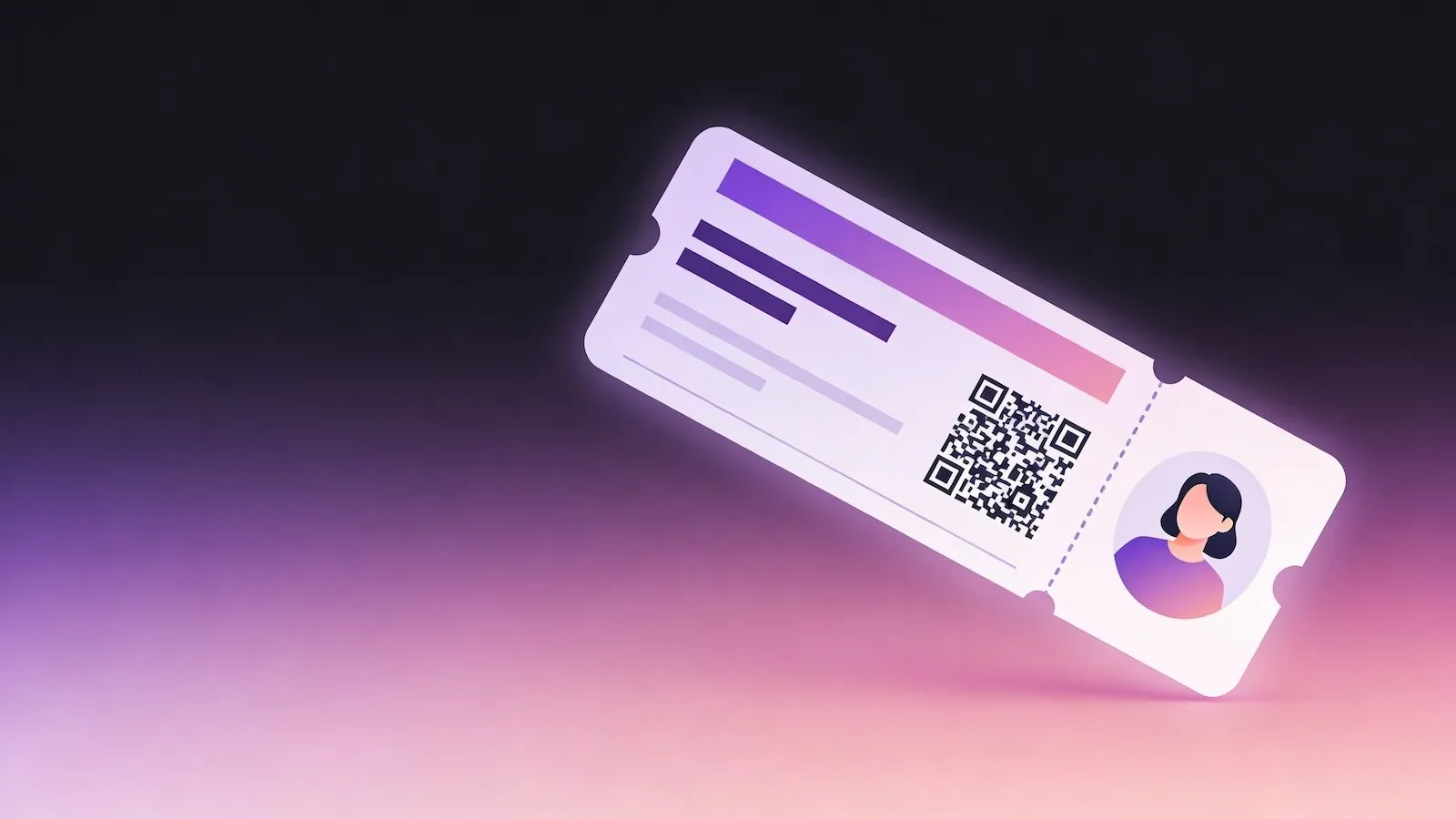
QR Codes for Events
Streamline event access, engagement, and information sharing with QR codes. From tickets to schedules, give attendees instant access with a simple scan.
Overview
Why use QR codes for events?
Managing event access, information, and attendee engagement can quickly become complex. Printed tickets can be lost, schedules change, and sharing updates in real time is difficult.
QR codes simplify the entire experience. Attendees can scan to access tickets, schedules, maps, or additional content instantly – reducing friction and improving organisation.
They also allow you to adapt in real time. Update event details, redirect links, or provide new information without reprinting anything.
Benefits
Fast and seamless entry
Speed up check-in with scannable tickets that can be validated instantly.
Real-time updates
Change schedules, locations, or content without reissuing tickets.
Improved attendee experience
Provide instant access to maps, agendas, and additional event content.
Reduce printing and admin
Minimise paper use and simplify event management processes.
Recommended QR Types
Event QR Codes
Share event details including date, time, and location directly to a user’s calendar.
Dynamic QR Codes
Update event information or redirect users as plans evolve.
URL QR Codes
Link to event pages, ticketing platforms, or digital schedules.
How It Works
Create a QR code for this use case in three simple steps
Choose the right QR code type, customise the destination and design, then publish it anywhere your audience will scan.
1
Choose QR type
Select the QR type that fits your goal, such as linking, sharing details, or enabling updates.
2
Add content
Enter your link or details, then customise colours and style to match your brand.
3
Download and use
Export your QR code and place it anywhere your audience will scan it.
Examples
Conferences and exhibitions
Use QR codes for entry passes, schedules, and exhibitor information.
Concerts and festivals
Enable fast ticket scanning and provide access to maps and line-ups.
Corporate events
Share agendas, speaker profiles, and networking links in one place.
Best Practices
Tips for better results
Place QR codes in visible, easy-to-access locations such as tickets, signage, or confirmation emails. Ensure they are large enough to scan quickly, especially in busy environments.
Use dynamic QR codes so you can update event details if plans change. Always test your QR codes before the event to ensure a smooth attendee experience.
FAQs
Yes, QR codes are commonly used for digital tickets. Attendees can scan their code at entry points for fast and secure access.
Yes, if you use a dynamic QR code. You can update schedules, locations, or links without changing the original QR code.
No, most smartphones can scan QR codes using the built-in camera app. Users simply point their camera at the code to access the content.
Get started
Create your event QR code
Generate QR codes for tickets, schedules, and event content in seconds.