
Use Cases
QR Codes for Business Cards
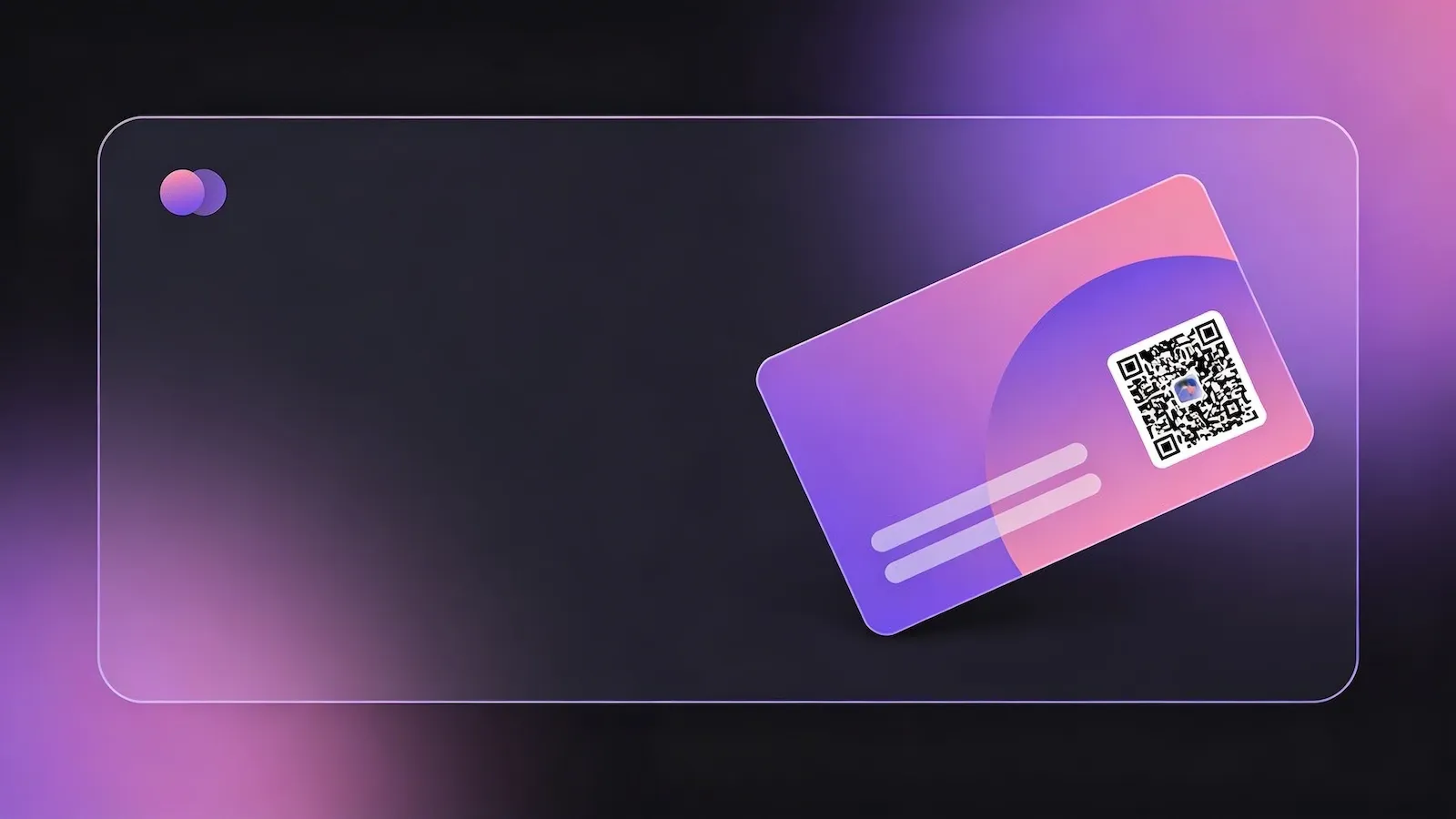
Share your contact details instantly with a simple scan. Replace printed details with a dynamic QR code that lets people save your information directly to their phone.
Overview
Why use QR codes on business cards?
Traditional business cards are easy to lose, hard to update, and rely on manual data entry. Even when someone keeps your card, there is friction in typing your contact details into their phone.
QR codes remove that friction completely. With a single scan, your contact information can be saved instantly – making it faster, more accurate, and far more convenient for the recipient.
They also allow you to move beyond static print. You can link to a digital profile, portfolio, or contact card that can be updated at any time without reprinting.
Benefits
Instant contact saving
Allow people to save your details directly to their phone without typing anything.
Always up to date
Update your details anytime with dynamic QR codes without reprinting cards.
More than just contact details
Link to your website, portfolio, or social profiles alongside your contact info.
Professional and modern
Enhance your business card with a clean, digital-first experience.
Recommended QR Types
vCard QR Codes
Create a digital contact card that users can save instantly to their phone.
Dynamic QR Codes
Update your contact details or destination without changing the printed QR code.
URL QR Codes
Link directly to your website, LinkedIn profile, or online portfolio.
How It Works
Create a QR code for this use case in three simple steps
Choose the right QR code type, customise the destination and design, then publish it anywhere your audience will scan.
1
Choose QR type
Select the QR type that fits your goal, such as linking, sharing details, or enabling updates.
2
Add content
Enter your link or details, then customise colours and style to match your brand.
3
Download and use
Export your QR code and place it anywhere your audience will scan it.
Examples
Networking events
Share your contact details instantly without exchanging physical cards.
Sales teams
Provide prospects with quick access to your contact information and company website.
Freelancers and consultants
Direct clients to your portfolio and contact details in one scan.
Best Practices
Tips for better results
Use a high-contrast design to ensure your QR code is easy to scan. Keep it clearly visible on your card and avoid placing it too close to edges or folds.
If using a dynamic QR code, test it regularly and update the destination as your details evolve. Consider linking to a dedicated landing page that presents your contact information professionally.
FAQs
A vCard QR code allows users to save your contact details directly to their phone. When scanned, it opens a contact card with your name, phone number, email, and other details ready to save.
Yes, if you use a dynamic QR code. You can update the destination or contact details at any time without needing to reprint your cards.
Most modern smartphones have built-in QR code scanning in their camera app. Users simply point their camera at the code to access your information.
Get started
Create your business card QR code
Generate a QR code for your contact details in seconds and start sharing instantly.