Create Text QR codes that display messages instantly on scan - no internet needed. Perfect for quick instructions, short notes, reference IDs, or offline information with QRUpp.
Create Text QR codes that display a message instantly on scan—no internet required. Perfect for quick instructions, short notes, WiFi info, or reference IDs.
What is a Text QR Code?
A Text QR code stores plain text directly inside the code. When scanned, the text appears immediately in the user’s scanner app—ideal when you don’t need a web page or network access.
How Text QR Codes work
QRUpp encodes your message as raw text in the QR payload. Scanners render the text directly, or offer to copy it. Because it’s offline, it’s reliable for notices, short instructions, or inventory IDs.
Create a Text QR Code in QRUpp
- Either click Generate QR codes from our homepage, or (if you have an account) log in and click QR codes in the left‑hand menu, then Create QR.
- Select Text at the top of the page.
- Enter a meaningful name for your QR code.
- Enter the Text.
- Choose the style, colours, frame, foreground/background images, and optional logo.
- The preview updates in real time as you adjust settings.
- Click Generate to save your QR code.
- Download as SVG, PNG, JPG, or WEBP, or print to hard copy or PDF.
No account required.
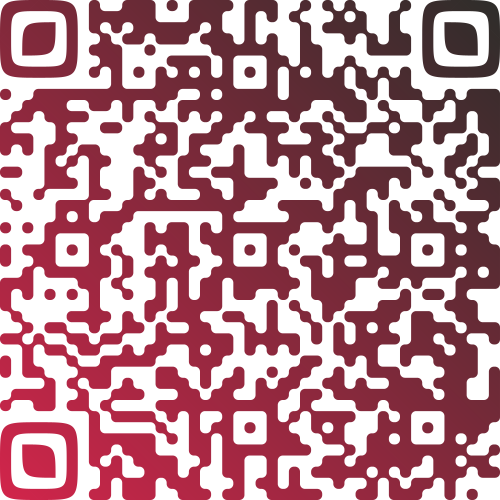
Example Output
Best uses
- Quick instructions: equipment steps, safety notices, venue rules.
- Reference IDs: order numbers, asset tags, shelf labels.
- Offline messaging: when connectivity is limited.
- Short notes: welcome messages, thank‑yous, or codes.
Tips for readability
- Keep messages short for fast, reliable scans.
- Avoid special characters that some scanners might not render identically.
- Consider a URL QR if you need rich formatting or long text.
Unlimited QR code scans - always
Text QR Code: FAQs
No. The text is stored directly inside the QR code, so it can be viewed offline as soon as it’s scanned.
Shorter messages scan more reliably. Very long text creates dense codes that are harder to read. For long content, consider using a URL QR code and linking to a web page instead.
Yes. Most QR scanner apps let users select and copy the displayed text or open it in a notes or messaging app for reuse.
Get started
Share information instantly—generate a Text QR code that displays your message without needing a connection.
Not sure which QR code you need? Read our complete guide to QR codes for business to understand how they work and when to use each type.