
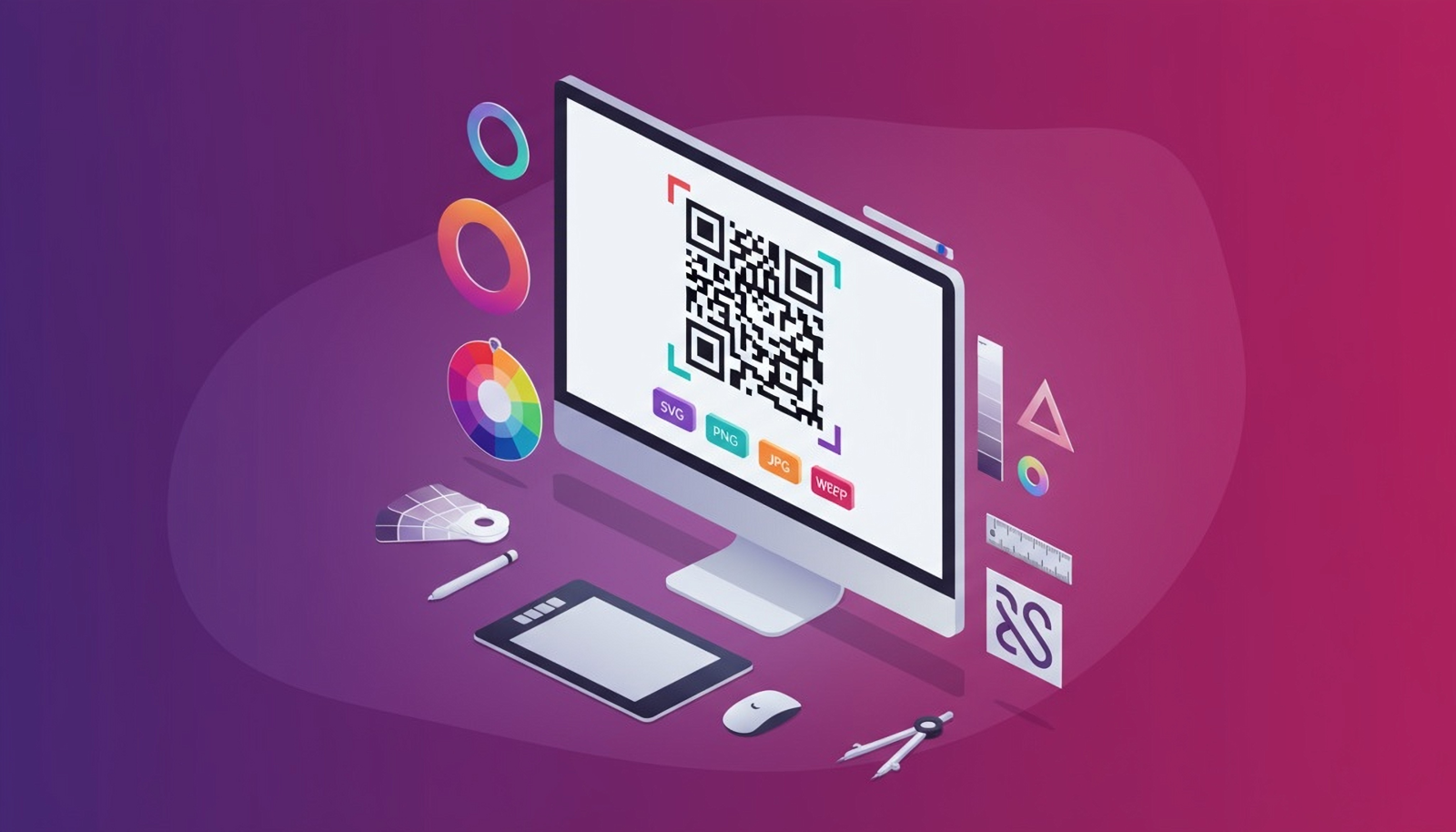
Choosing the right file format keeps your QR codes crisp, scannable, and lightweight. Here’s a simple guide to when you should export SVG, PNG, JPG, or WEBP – and why it matters.
Vector vs raster (why it matters)
Vector graphics (e.g., SVG) are drawn with math, so they scale to any size without losing sharpness – perfect for print. Raster images (e.g., PNG, JPG, WEBP) are made of pixels; scaling up can blur edges if the resolution is too low.
Format comparison
| Format | Type | Best for | Pros | Watch‑outs |
|---|---|---|---|---|
| SVG | Vector | High‑quality print at any size; pro design workflows | Infinitely scalable, razor‑sharp edges, tiny file sizes for line art | Some old tools may rasterise on import—export as PDF if your printer requests it |
| PNG | Raster | General purpose; web and documents; transparency | Lossless quality, transparent backgrounds, predictable rendering | Pick adequate pixel size for print (see sizing tips below) |
| JPG | Raster | Photos + QR in the same image; emails where PNG is large | Small files at reasonable quality | Compression can soften edges—avoid heavy compression for QR codes |
| WEBP | Raster | Modern websites and apps | Great quality‑to‑size ratio, broad modern support | Legacy tools may not support it—keep a PNG fallback if needed |
Recommended formats by use case
- Print (flyers, packaging, signage): Use SVG. If your print workflow prefers PDFs, place the SVG into a print‑ready PDF or export to vector PDF.
- Web (landing pages, blogs, CMS): Use WEBP where supported; else PNG. Keep a clear quiet zone and test at the size you’ll display.
- Documents (PowerPoint, Word, Google Docs): Use PNG at sufficient resolution.
- Email/newsletters: Use JPG or light PNG, depending on your ESP’s optimisation.
Pixel sizing & print tips
- Minimum print size: Aim for 25–35 mm at arm’s length. Go larger for scanning at a distance.
- Raster for print: If you must use PNG/JPG for print, export at 300 DPI at the physical size you’ll print (e.g., 35 mm ≈ 413 px).
- Quiet zone: Keep padding around the code so scanners can isolate it from nearby graphics.
- Contrast: Dark code on a light background is most reliable.
How QRUpp makes it simple
- Download in SVG, PNG, JPG, WEBP with a click.
- Real‑time preview as you customise colours, frames, and logos.
- AI QR available for branded visuals that remain scannable.
Summary
- Use SVG for anything printed or scaled.
- Use WEBP for modern web, otherwise PNG.
- Use JPG only when you need to keep file size down or combine with photos—avoid heavy compression.